



15 May Promethean Boards in the Classroom: Ultimate School Guide
Promethean ActivPanel for Schools: Your Complete Guide to Interactive Classroom Displays
Estimated reading time: 14 minutes
Last Reviewed: May 14, 2026

By Luis Garcia, CIO
Luis Garcia is CIO at On-Site Technology, a Clifton, NJ-based MSP. He started as an IT field tech in 2001 and has spent two decades working through every layer of the trade, from break/fix and network engineering to managed security and CMMC compliance, which is why his advice leans specific over theoretical.
Key Takeaways
- Interactive flat panels like the Promethean ActivPanel turn the front wall into a collaborative hub, replacing disparate projector, speaker, and whiteboard solutions.
- Choosing between the ActivPanel 9 and 10, plus LE versus Premium, hinges on expected lifespan, need for embedded apps, and IT management scope.
- Size, installation, training, and financing plans determine whether panels stay useful for the long haul rather than collecting dust in a storage closet.
Planning a rollout? On-Site Technology handles interactive flat panel installation and support for K-12 classrooms across Northern New Jersey and the NYC metro, from new installs to legacy projector replacements.
Table of contents
The Evolution and Impact of Interactive Classroom Displays
Interactive flat panels bring brighter, more durable, and better-connected experiences to classrooms, and the Promethean ActivPanel sits at the center of the shift from projectors to purpose-built hubs.
The Promethean ActivPanel replaces not just the projector but the speakers, whiteboard, and even the laptop dock, while Promethean’s display portfolio showcases classroom-focused innovations that leave legacy smart boards in the dust.
Touch-based, multi-user interaction keeps students physically involved, reduces technology handoffs for teachers, strengthens hybrid learning through integrated sharing, and lowers maintenance costs by eliminating bulbs, filters, and costly downtime.
Promethean’s K–12 Ecosystem and Philosophy
Promethean builds each ActivPanel for K–12 settings, and the hardware, speakers, and software are tuned to survive daily student contact and network security demands.
The onboard stack including ActivInspire, ClassFlow, and instant whiteboard tools means teachers can launch lessons without external devices, while Promethean’s product ecosystem reflects the quick access pens, timers, and capture tools educators actually use.
Transforming Lessons with the Promethean Board
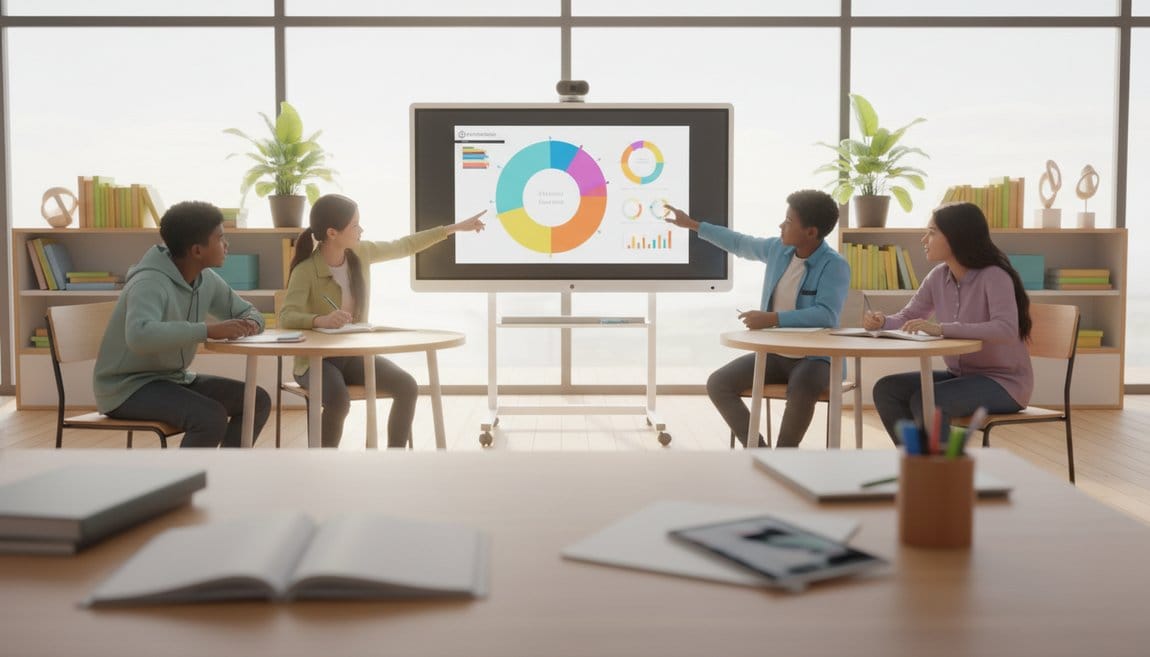
A “Promethean Board for classroom” experience means students drive problem-solving, lessons blend video and annotation without input juggling, and built-in management tools shape pacing in ways projector-era setups could not.
“Teachers describe the biggest change as the disappearance of setup friction — once panels are in, they stop managing technology and start using it,” shared an On-Site Technology deployment lead.
Early adopters report smoother pacing, higher participation, and a noticeable decrease in mid-lesson failures — the ActivPanel becomes the teaching tool, not just a display.
Deep Dive into ActivPanel 9 and ActivPanel 10 Series
ActivPanel 9 Strengths and Limitations
The ActivPanel 9 offers 4K with palm rejection, natural pen feel, and classroom-grade audio, making it ideal for elementary through middle school environments.
Installation stays straightforward with fewer peripherals, and ActivInspire/ClassFlow continuity means teachers transitioning from older ActivBoards face minimal retraining.
Its trade-off is a shorter OS upgrade runway and less robust embedded UI than ActivPanel 10, so districts focused on longevity should weigh Premium expectations carefully.
ActivPanel 10 Features and Why They Matter
ActivPanel 10 adds a refreshed Android foundation, faster performance, and app-rich home screens with quick tiles for whiteboard and screen sharing.
Embedded Explain Everything, refined annotation tools, and overlay capability over HDMI inputs let teachers annotate directly on shared student work.
Connectivity and security enhancements such as multi-source sharing, Bluetooth accessories, user profiles, and remote MDM control keep IT teams in charge of large deployments.
When IT can manage, update, and secure panels centrally, they stay in classrooms rather than being unplugged when trouble arises.
LE vs Premium Editions
LE editions deliver high-res touch, standard OS tools, and basic connectivity with a three-to-five year warranty, making them a solid choice for broad coverage when budget is tight.
Premium editions add better processors, multi-source picture-in-picture, ActivPen 2, prioritized support, and often PD packages, ideal for STEM labs and heavy-use spaces.
Balance your instructional goals, room usage, and expected lifecycle to determine which edition delivers the right return on investment.
Selecting the Right Size and Edition for K–12
Size Options Explained
Choose size based on room geometry, not preference: 65″ panels fit small-group or intervention rooms, 75″ is the classroom default, and 86″ suits labs or large lecture spaces.
Oversizing creates installation headaches and visibility issues, while anti-glare glass and wide viewing angles deliver consistency across the lineup.
Matching Editions to District Needs
Small rural districts often pair 65″ or 75″ LE panels with limited IT staffing, while mid-sized campuses weigh 75″ Premium for Google Workspace or Microsoft 365 heavy deployments.
District STEM labs and CTE spaces typically lean into 86″ Premium to handle multi-source, simultaneous collaboration demands.
Future-proofing is critical: a panel bought today should perform across seven-plus years, so invest where your program needs sustained capability.
Cost Considerations: Pricing, TCO, and Funding
Price Ranges and Influencing Factors
Promethean hardware pricing fluctuates by region, reseller, and included accessories: 65″ hardware sits near $2,500–$3,500, 75″ near $3,500–$4,500, and 86″ from $4,500 upward.
Add rolling carts, soundbars, and warranty options, and always request formal quotes — volume agreements can change the numbers significantly.
Total Cost of Ownership
TCO includes installation, training, software, and sustainment; plan for $200–$500 per room for mounts, electrical, and network prep plus professional development so teachers feel confident.
Calculating savings from eliminating bulb replacements, filter maintenance, and downtime shows how interactive panels can offset the initial investment over five years.
Financing, Grants, and Budget Strategy
Title I/IV, state ed-tech grants, and leftover ESSER allocations are common funding sources, while local bonds and leasing options spread costs across fiscal years.
Engage your business office early to identify active grants, purchasing cooperatives, and cooperative contracts that simplify compliance and lower acquisition costs.
Best Practices for Deployment and Classroom Integration
Mounting, Network, and Maintenance Protocols
Use certified mounts or carts, anchor into studs or blocking, plan sight lines, and verify ADA height requirements before drilling holes.
Network configuration should prioritize wired connections, VLAN segmentation, and coordinated firmware update schedules, with cleaning protocols and documentation for each panel.
Teacher Training and Interactivity
On-Site Technology runs a three-phase readiness approach that starts with essentials, moves into intermediate collaboration skills, and finishes with advanced lesson creation.
Short PD sessions, teacher champions, and immediate classroom practice keep momentum high long after the vendor leaves.
Real-World Integration Themes
Integration with Google Classroom, Canvas, and Schoology happens through teacher devices or the onboard browser, while cloud storage keeps lessons accessible without USB sticks.
Feedback from pilot districts consistently highlights increased student engagement, reduced setup friction, and ongoing security updates from Promethean that keep panels future-ready.
Conclusion and Next Steps
The Promethean ActivPanel decision depends on matching model, size, and edition to teaching goals, room logistics, and budget realities.
Start by defining the instructional experience you want, run pilots across grades, collect feedback, and gather quotes that compare size, edition, and bundled services.
Then partner with your business office to explore grants, cooperative purchasing, and financing so the capital investment supports long-term transformation rather than short-lived upgrades.
Frequently Asked Questions
How do I decide between ActivPanel 9 and 10?
Choose ActivPanel 9 when you need dependable performance today with a lower price point, and favor ActivPanel 10 when you need the latest OS, embedded apps, and heavy IT management features for a long-term deployment.
What size panel should my district standardize on?
Match panel size to room geometry and student count: 65″ for small spaces, 75″ for the majority of classrooms, and 86″ for labs or auditoriums that need greater visibility.
What funding paths should we pursue for interactive panels?
Explore Title I/IV, state ed-tech grants, and cooperative purchasing, and work with finance to leverage bonds, leasing, or vendor financing so you can deploy more rooms while respecting capital limits.
Need Help With Audio-Visual & Classroom Technology?
On-Site Technology aligns planning, installation, and professional development so Interactive Whiteboard investments deliver classroom value from day one.
Learn More About Interactive Whiteboard Services & Installation NJ & NYC